Which NVRs and software does it work with?
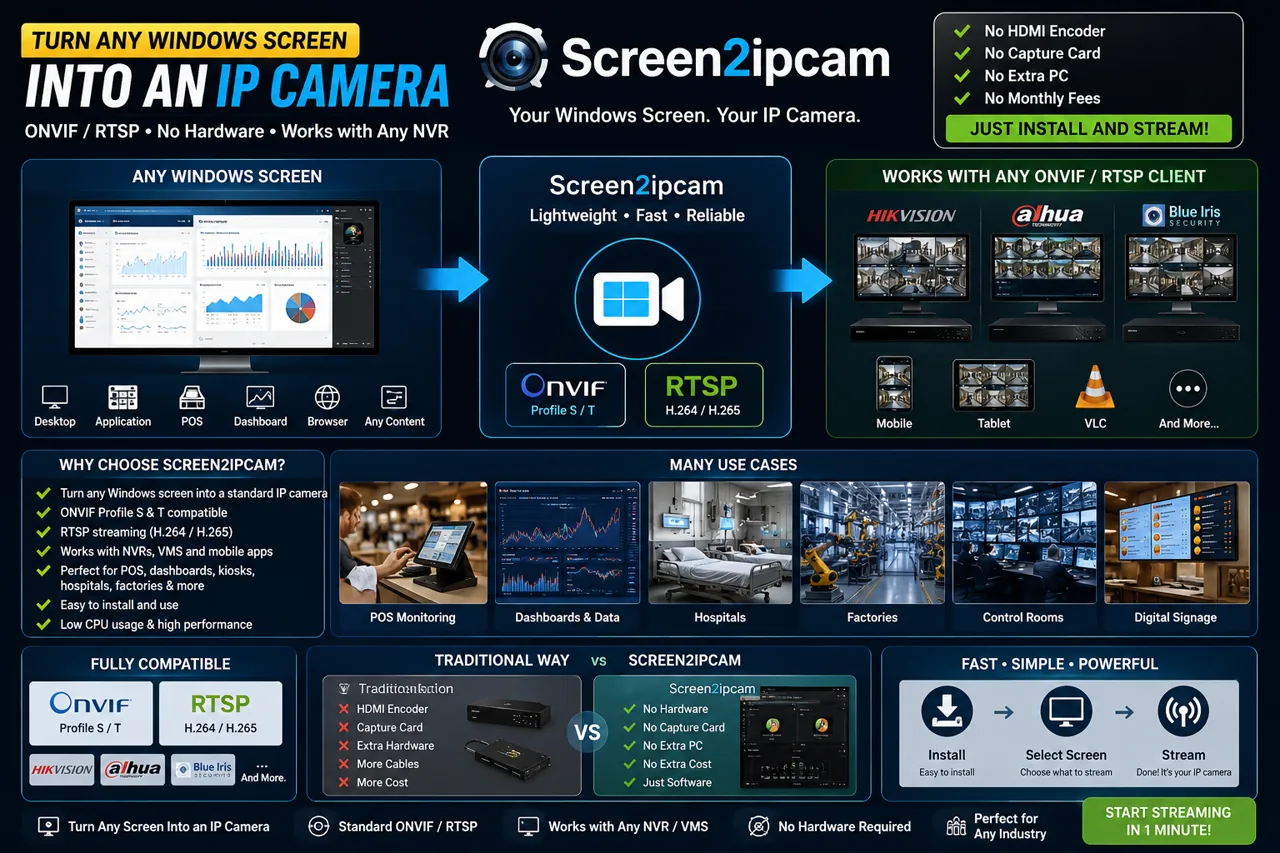
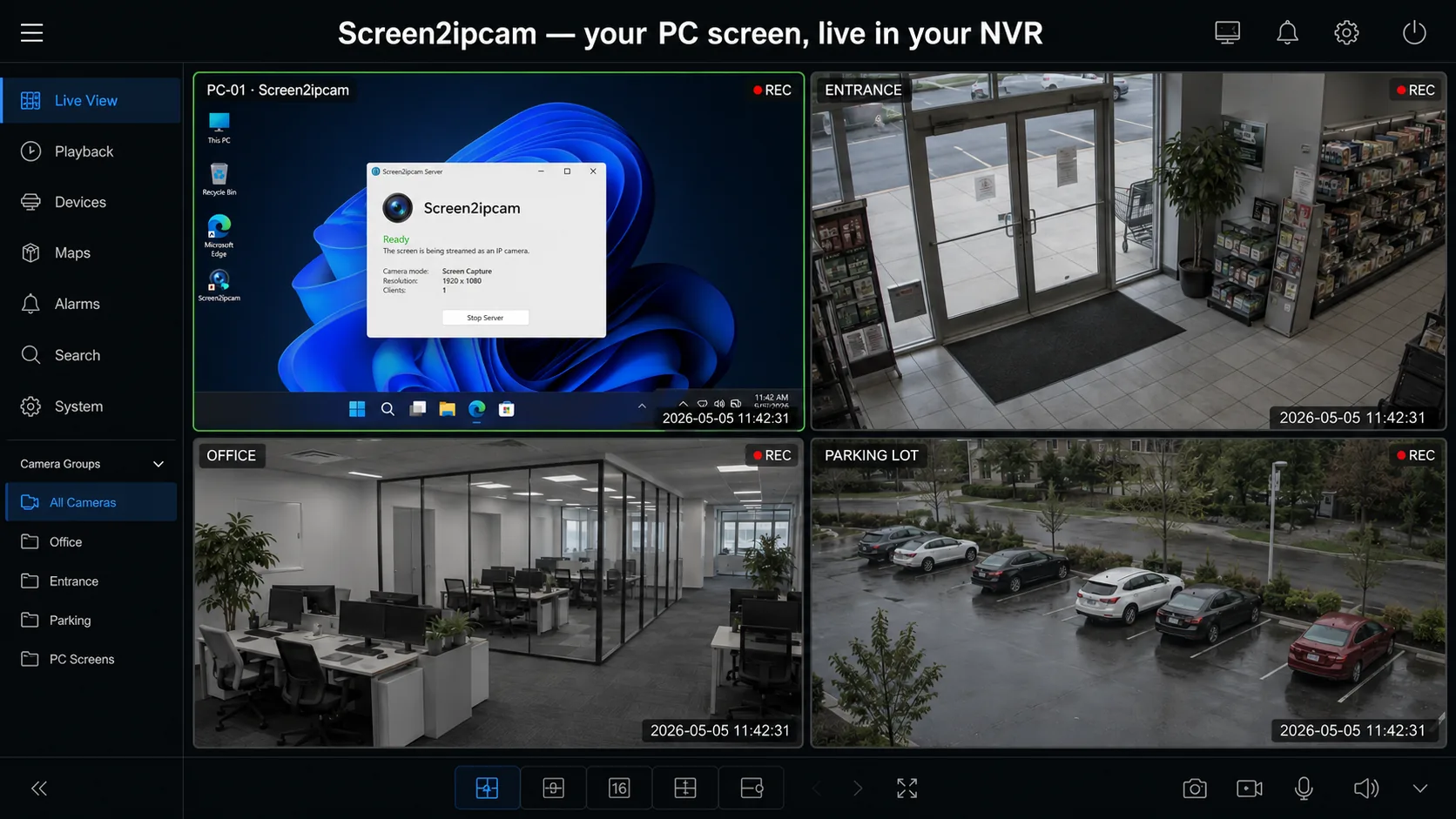
Any system that supports ONVIF or RTSP. Verified in-house on Dahua NVRs, XMEye-based recorders and ONVIF Device Manager. Because it is standard ONVIF / RTSP, other recorders and enterprise VMS platforms — Hikvision, Blue Iris, Agent DVR, Milestone, Genetec — ingest it the same way.
How long is the trial?
14 days, fully functional. A license unlocks the full version — no watermark, no time limit.
Which Windows versions are supported?
Windows 7 SP1 through Windows 11, both 32-bit and 64-bit — including Windows IoT / Embedded / POSReady. No .NET or extra runtimes needed.
Why does Windows show a security warning?
The binary is native and not code-signed yet, so SmartScreen/Defender may flag it as unknown (a false positive). It’s safe — choose “Run anyway” and keep it. Prefer a zero-warning install? Get the free edition from the
Microsoft Store — it’s signed by Microsoft.
How do I get my license after paying?
Send your Device ID (from the app’s License tab) and your PayPal receipt via the Contact form or email. We generate and send your license file — usually within an hour or less.
Is my license tied to one computer?
Yes — each license activates one PC. It is tied to that computer's hardware, not to its Windows installation, so reinstalling Windows or replacing the hard drive will not affect it. That's why we ask for the Device ID of the exact machine.
Will I lose my license if I format or reinstall Windows?
No. Screen2ipcam recognizes your computer itself, not your Windows installation. Formatting the disk or reinstalling Windows changes nothing, so your license simply keeps working — and you can replace the hard drive or the network card and stay licensed.
The check happens entirely on your own machine. There is no activation server to reach, no internet connection required and nothing to re-register — which is why Screen2ipcam runs on isolated POS and CCTV networks that never touch the internet.
- Survives Windows reinstall
- Survives hard drive replacement
- Works completely offline
- No activation server
- One payment. Yours forever.
Does it stream sound as well as video?
Yes. Screen2ipcam can send the PC's own sound (what the computer plays — not a microphone) inside the same stream, using the standard G.711 codec that recorders understand. It is off by default, and even when enabled it only runs while a viewer is connected, so an idle PC uses nothing extra.
My recorder shows no sound — what should I select?
On the recorder's channel settings choose audio compression G.711Mu (also written G.711 µ-law) and audio source Local. Other options such as G.711A, PCM or AAC will not play. Also make sure audio is enabled in Screen2ipcam under Stream extras, then press Apply and restart. If the channel was added to the recorder before you enabled audio, remove it and add it again so the recorder re-reads the camera's capabilities.
Will people know when the screen is being watched?
That is up to you. Screen2ipcam can show a small badge on the streaming PC's own screen while at least one viewer is connected, and hide it when they disconnect — useful when staff should know the screen is monitored. It is off by default.
How much disk space does it use on the recorder?
It depends on what is on the screen, not on the clock. H.264 only sends what changed, so a screen sitting still costs almost nothing while a video playing full-screen costs the most. These are figures we measured on a working desktop, not a still one:
| What is recorded | Per hour | Per day (24h) | Per week | Per 30 days |
|---|
| Main stream 1080p, 10 fps | 0.35 GB | 8.3 GB | 58 GB | 248 GB |
| Sub stream 640×360 | 0.10 GB | 2.4 GB | 17 GB | 72 GB |
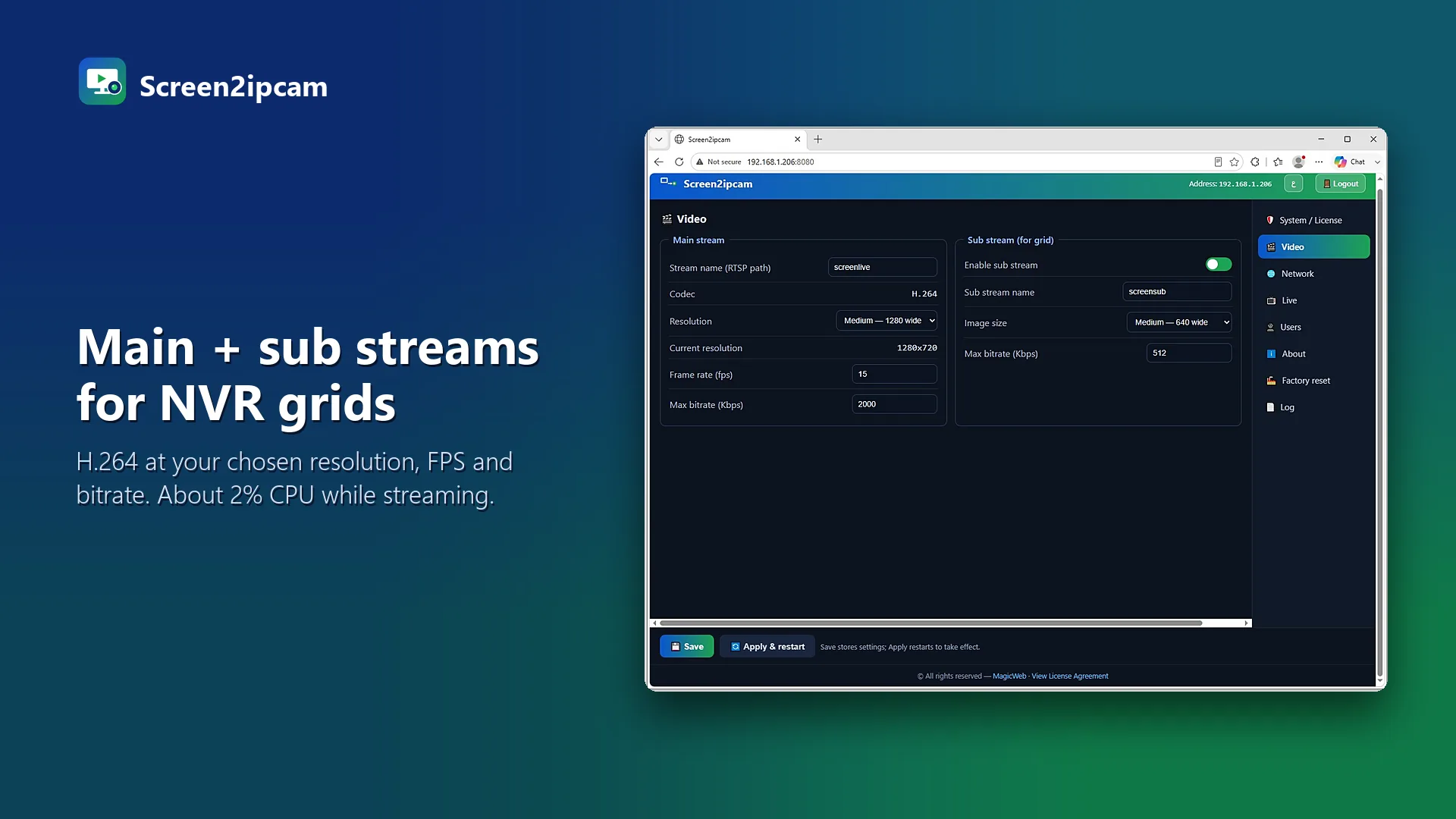
Two ways to cut it down a lot: record the sub stream instead of the main one (the recorder still shows the main stream live), or lower the frame rate and bitrate in the Video tab. Most people watching a PC screen do not need 10 frames a second.
How do I convert a Windows screen into an ONVIF / RTSP camera for my NVR?
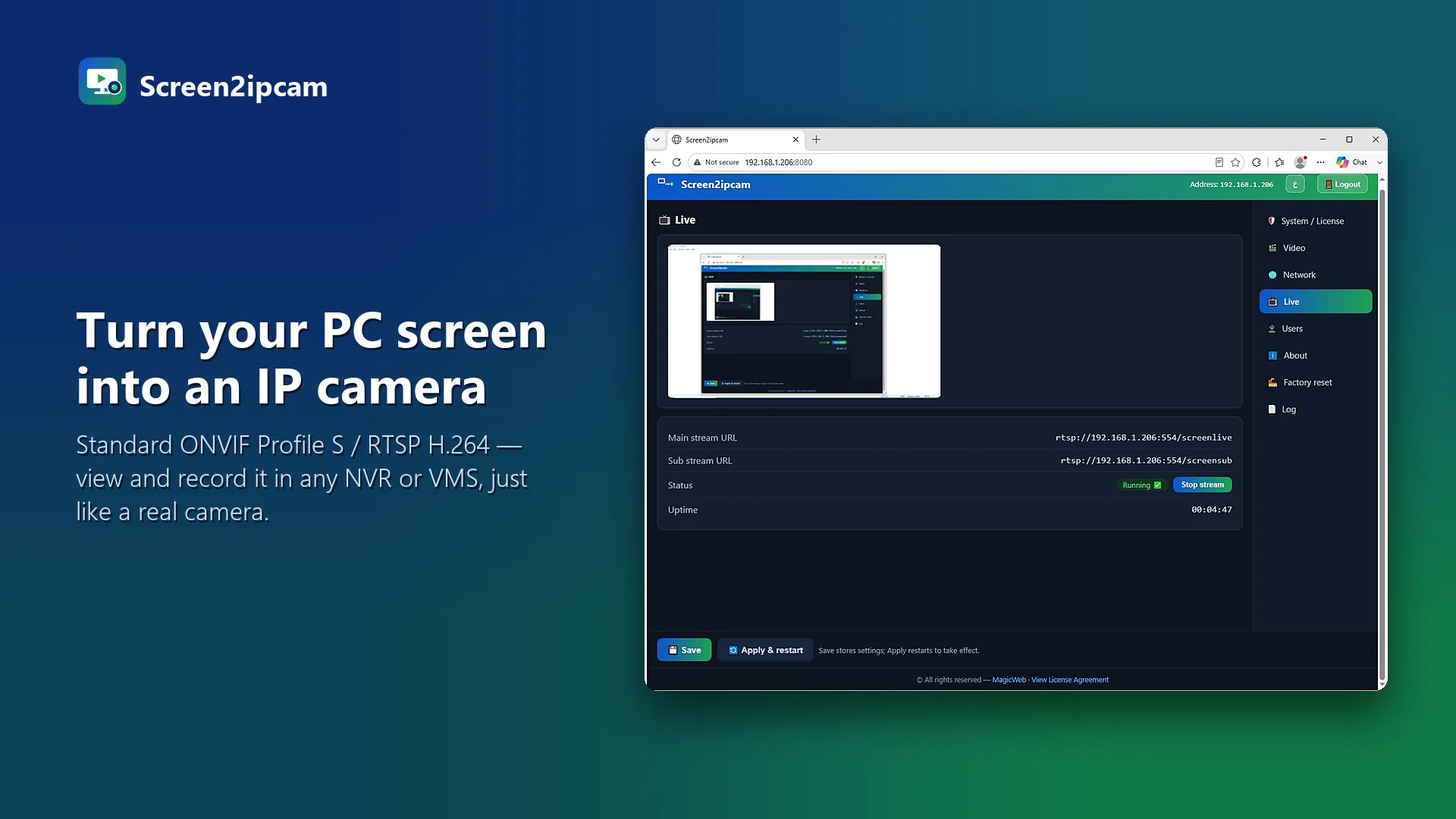
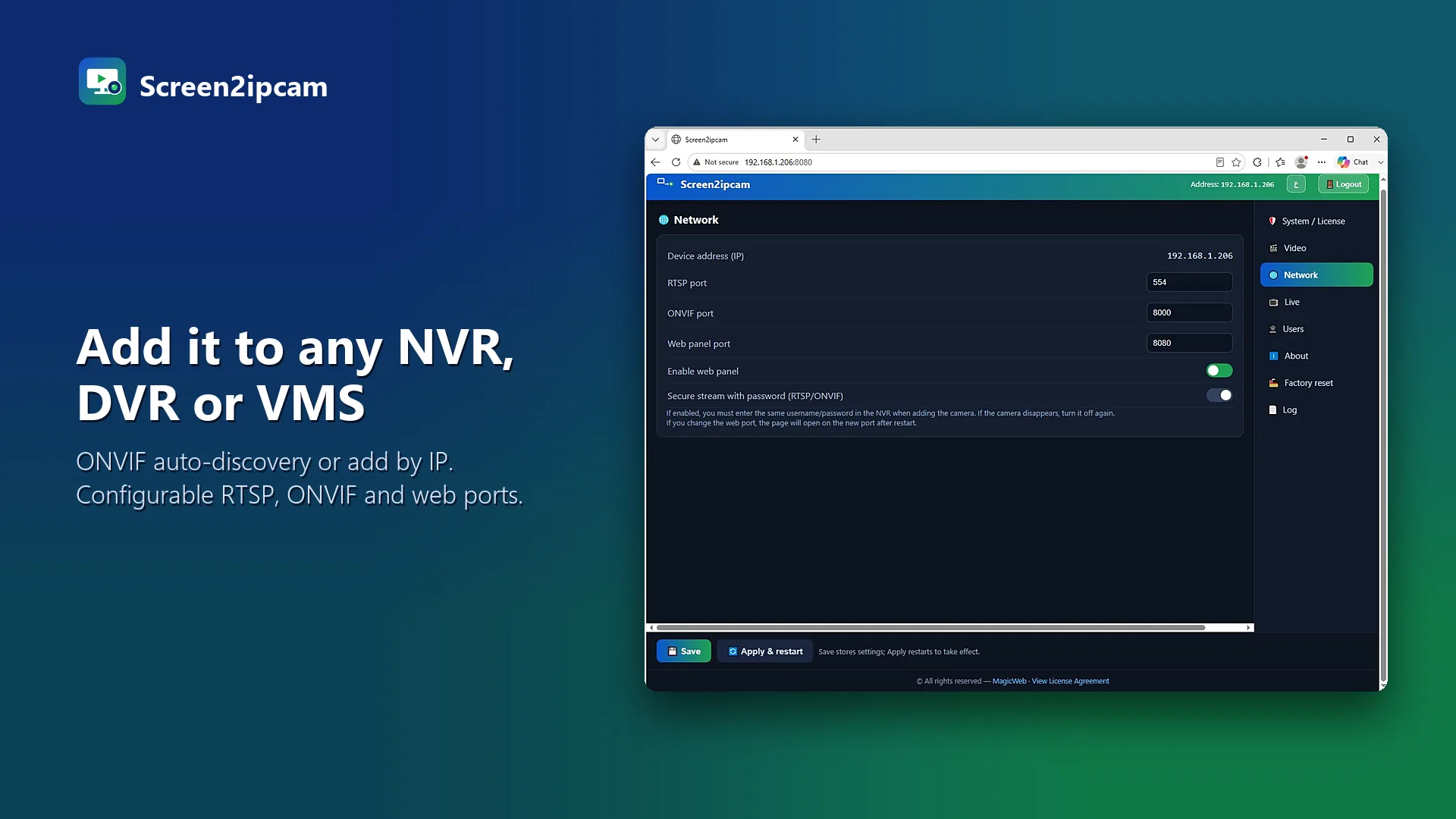
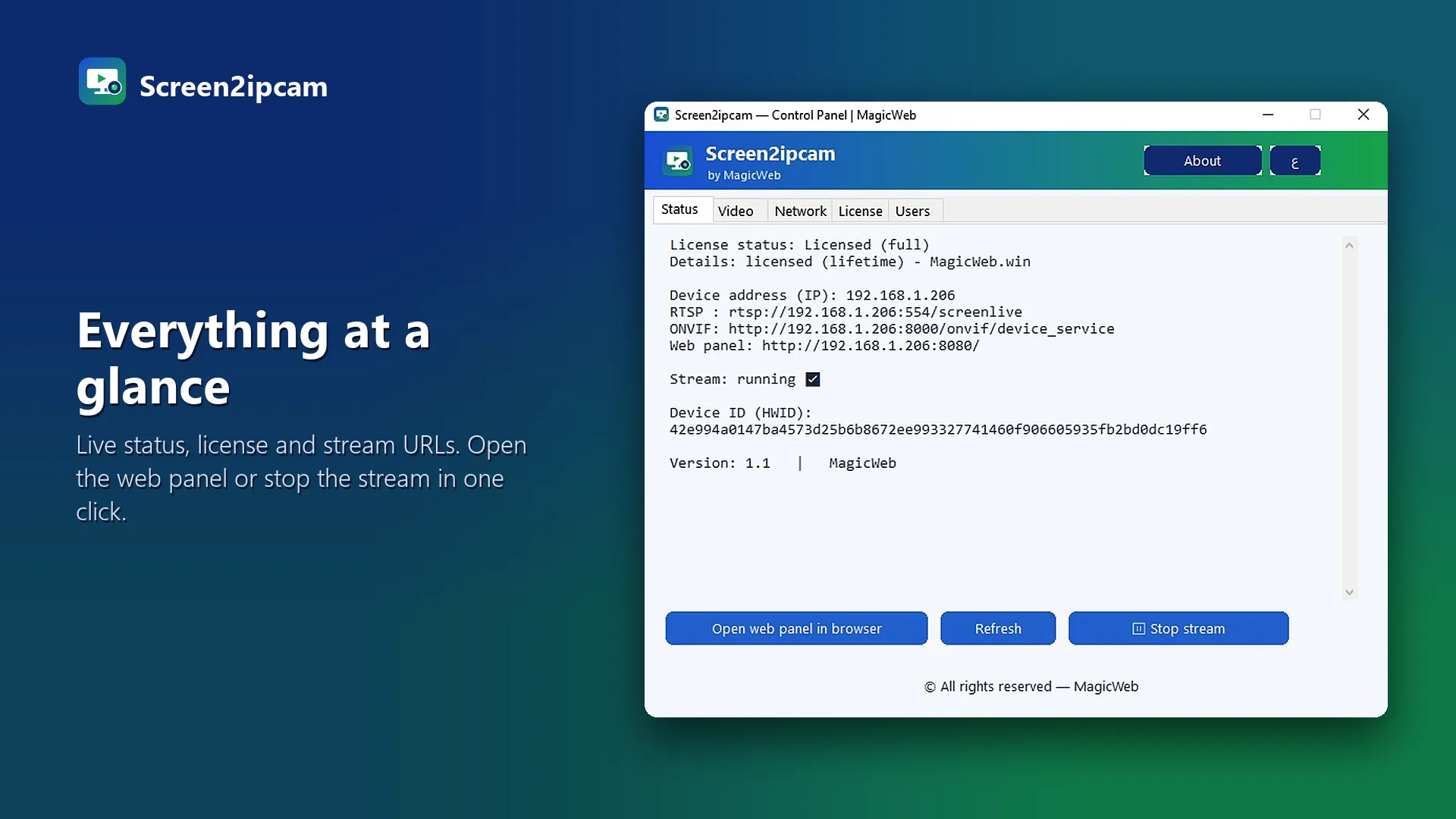
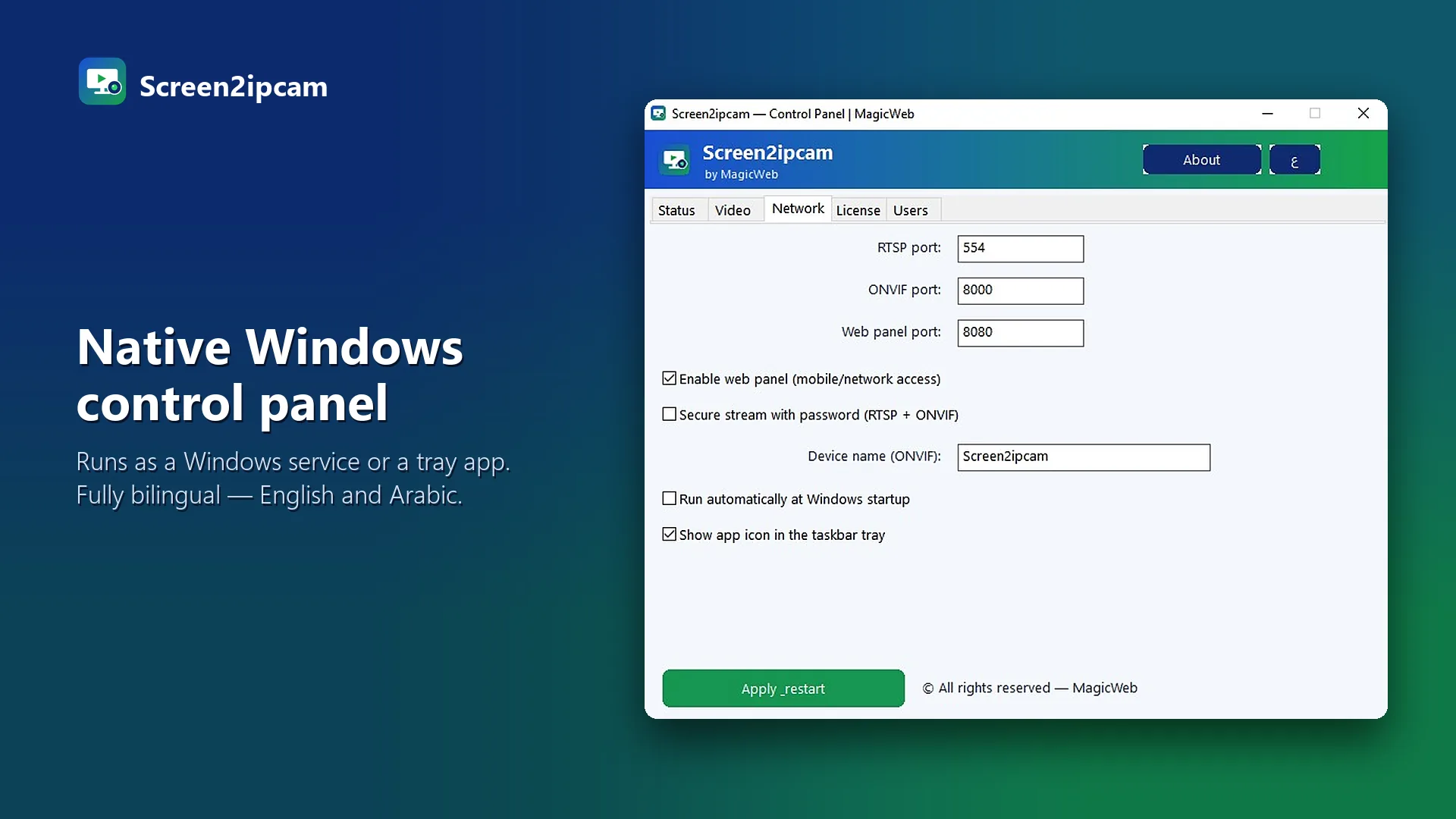
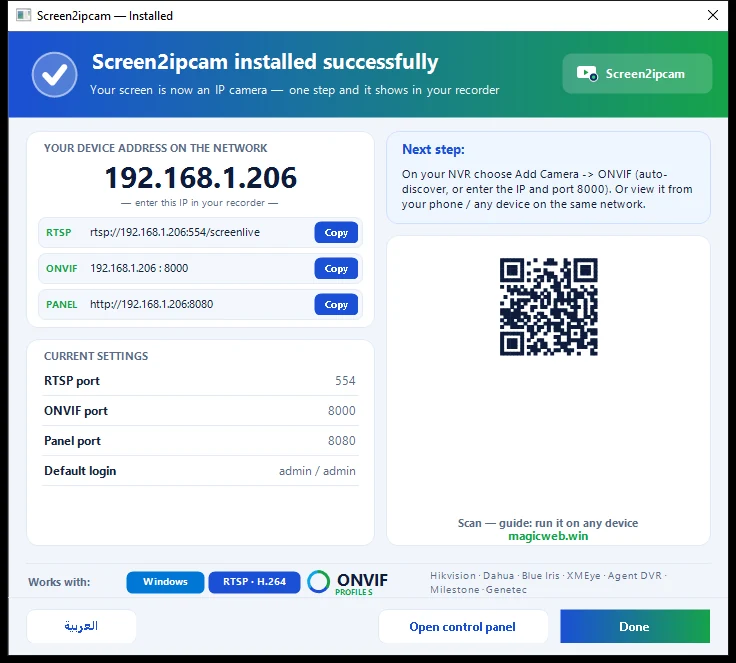
Install Screen2ipcam on the Windows PC — it publishes the screen as a standard ONVIF / RTSP IP camera on your network. On the NVR or VMS choose Add Camera → ONVIF (auto-discover, or enter the PC's IP and port 8000), and it records like any camera. Ideal for POS terminals, classrooms, dashboards and control rooms.
 Rising Star AwardBy SourceForge · out of 500,000+ projects


 Blue Iris


 XMEye
XMEye VLC
VLC